Designing a Coffee Brewing Assistant for Home Baristas
Product feature within a consumer-facing mobile app
UX/UI Designer
3 weeks
Beginner home baristas and coffee enthusiasts
Raqtan Group (Qavashop app)
Context
Overview
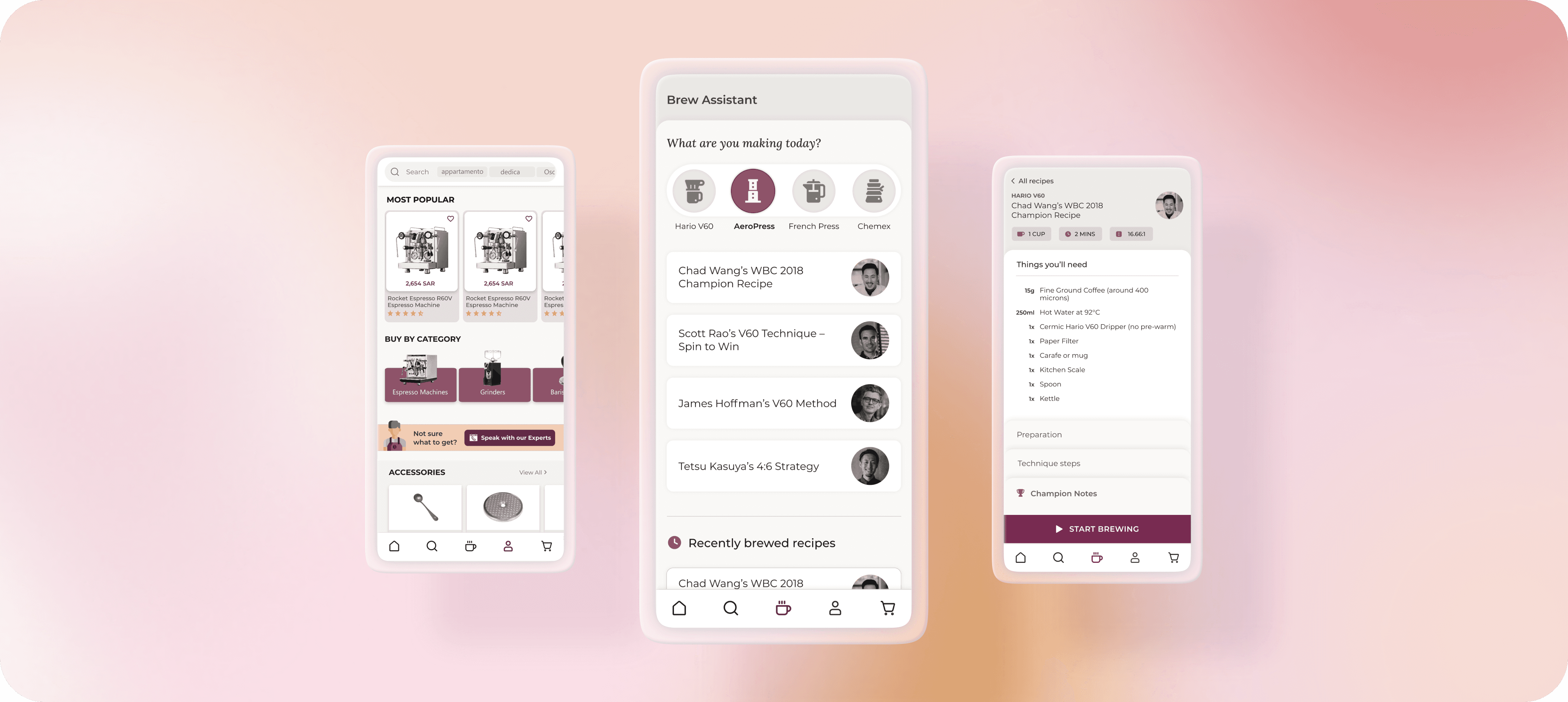
To boost engagement on a specialty coffee e-commerce app, I collaborated with the product team and our in-house barista to design a guided brewing assistant for manual methods like Hario V60, Chemex, and AeroPress.
The goal was to create a feature that helps beginners brew confidently, and positions the brand as a trusted companion in their coffee journey.
Discovery & Research
The opportunity
Barista observation
To build the feature around real brewing behavior, I:
Shadowed brewing sessions for V60, Chemex, AeroPress, and French Press.
Documented each brewing workflow step-by-step.
Asked the barista to highlight “common beginner mistakes”.
This helped me map the physical flow of brewing: when users need both hands free, when instructions need to be visible, when timing is critical, and when explanations matter.
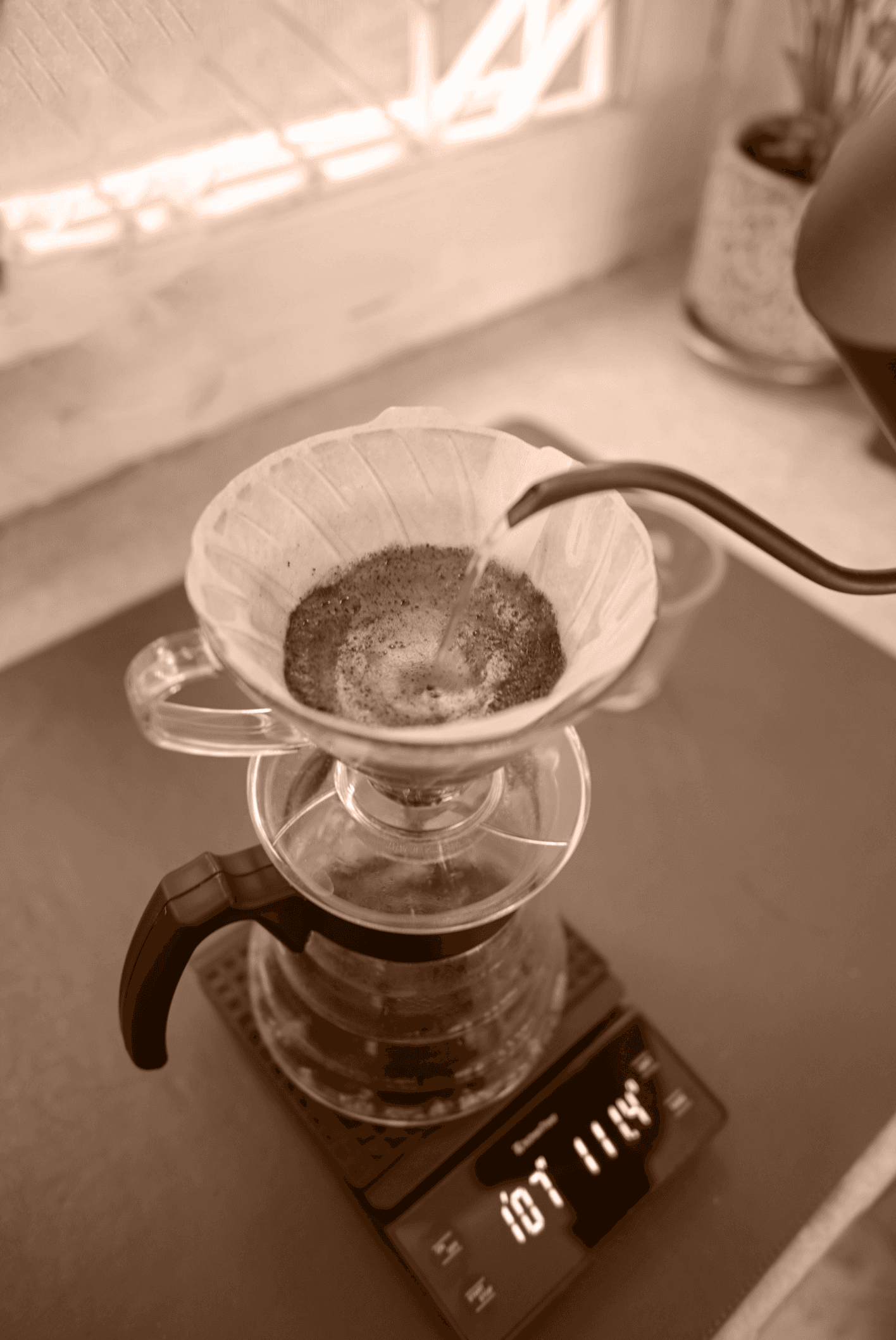
V60 method
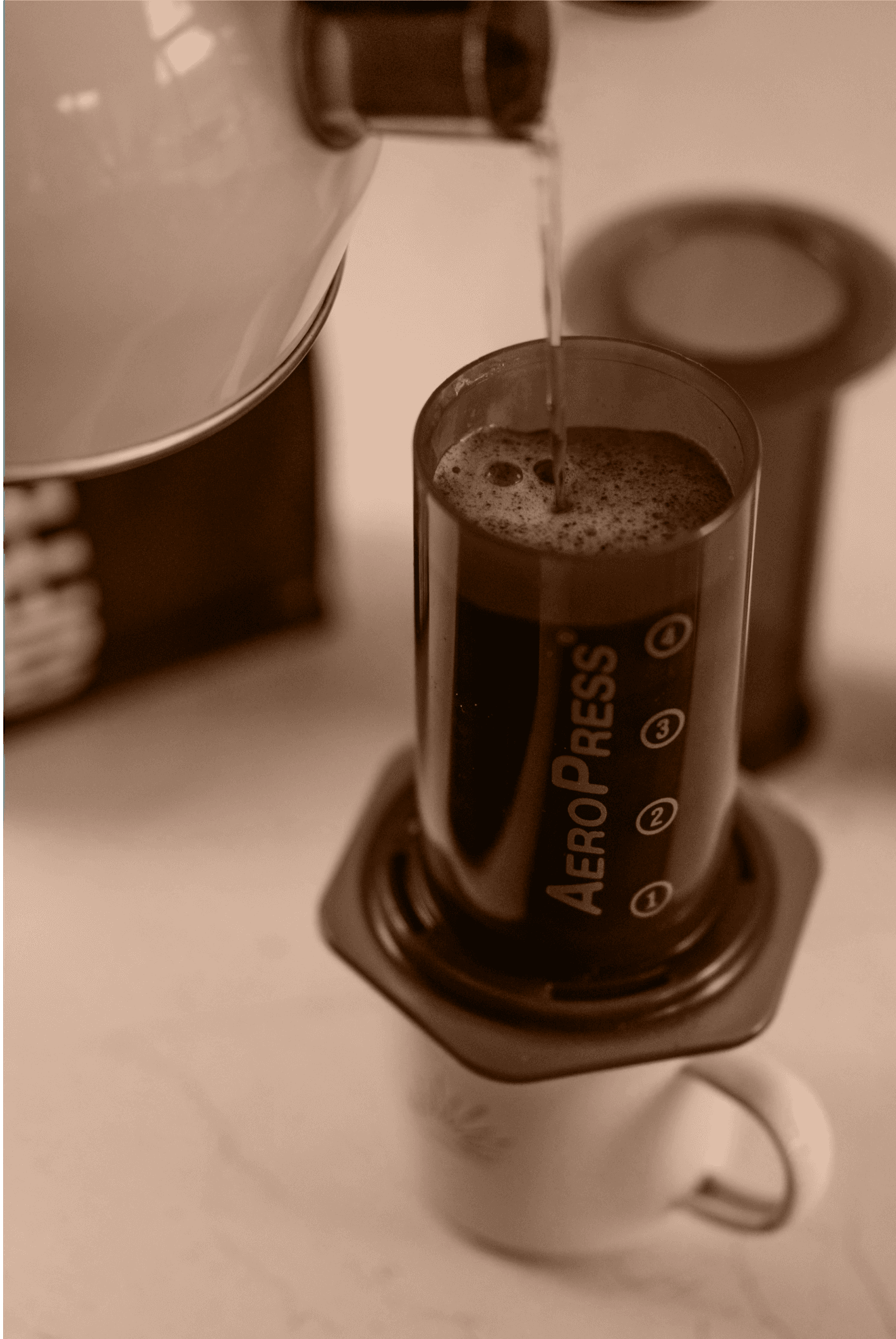
Aeropress method
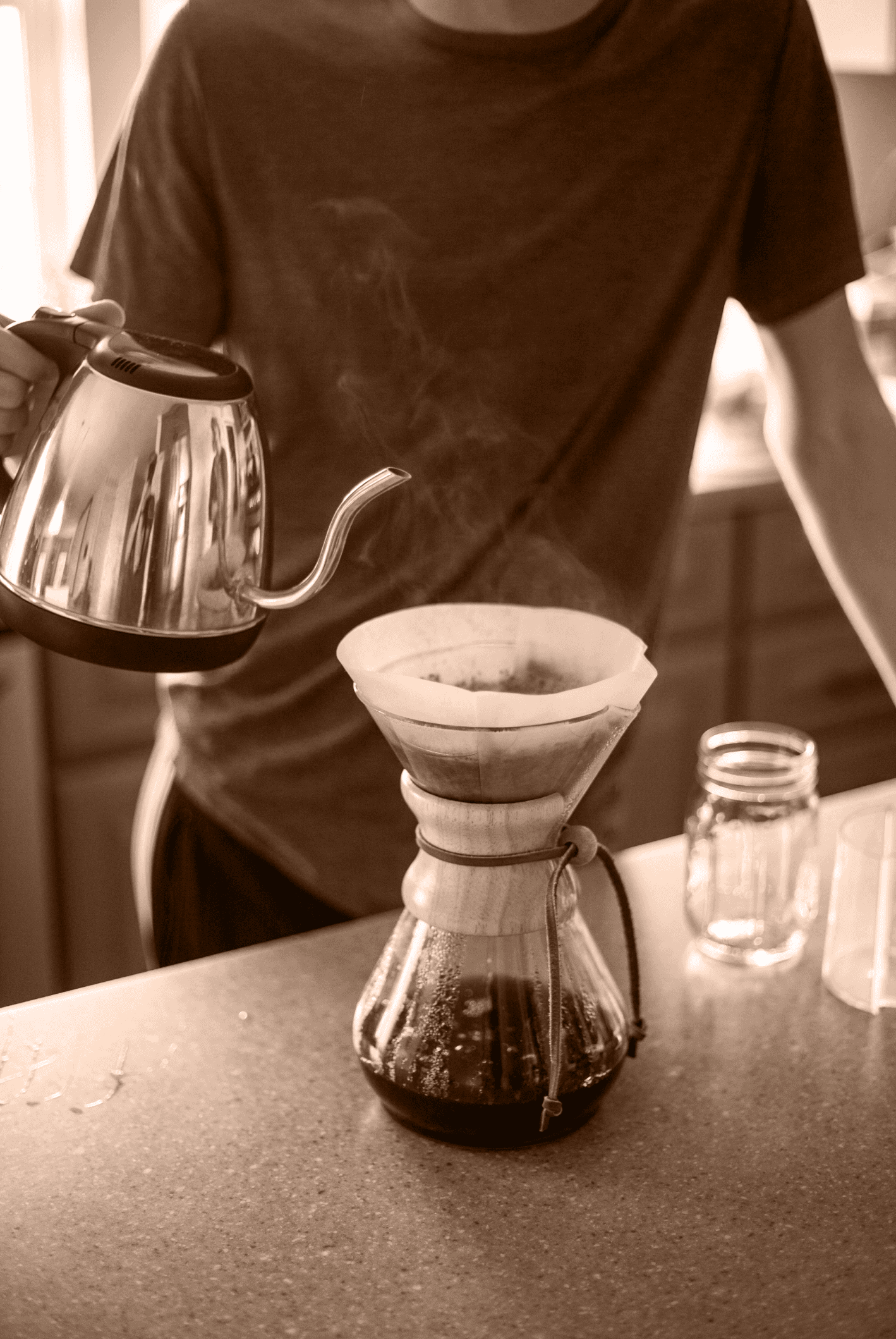
Chemex method
Design
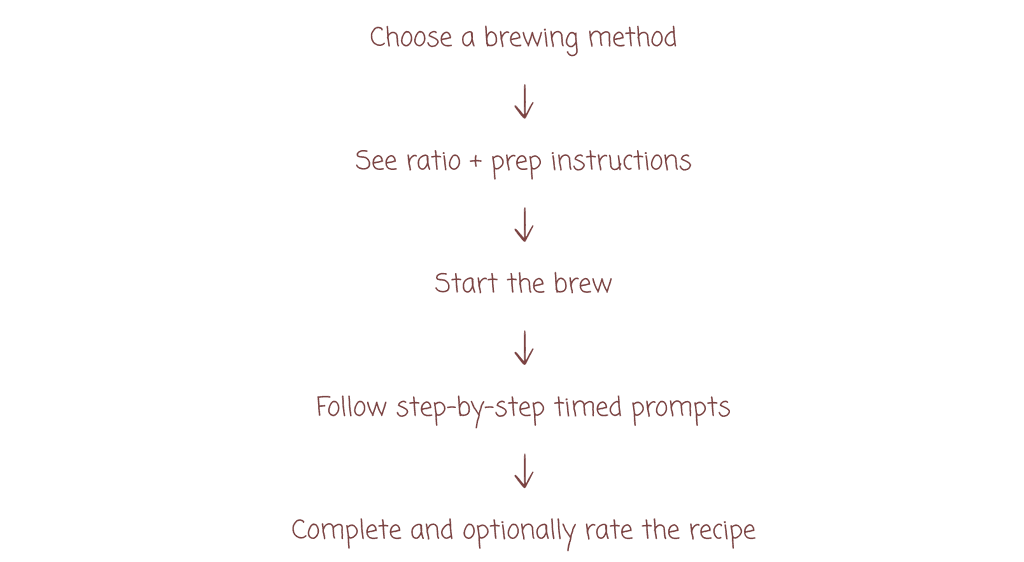
Structuring the flow
Recipe browsing
I worked closely with our in-house barista to shape the recipe exploration flow. Users first select a brewing method (e.g., V60, Chemex, AeroPress), and to avoid overwhelming beginners, we limited each method to 2–4 curated recipes.
We focused on the most trusted and widely referenced ones, including world-champion methods like Chad Wong’s WBC 2018 V60 recipe. Each recipe screen highlights what users need: the tools, preparation steps, brewing steps, and any notes from the champion or barista.
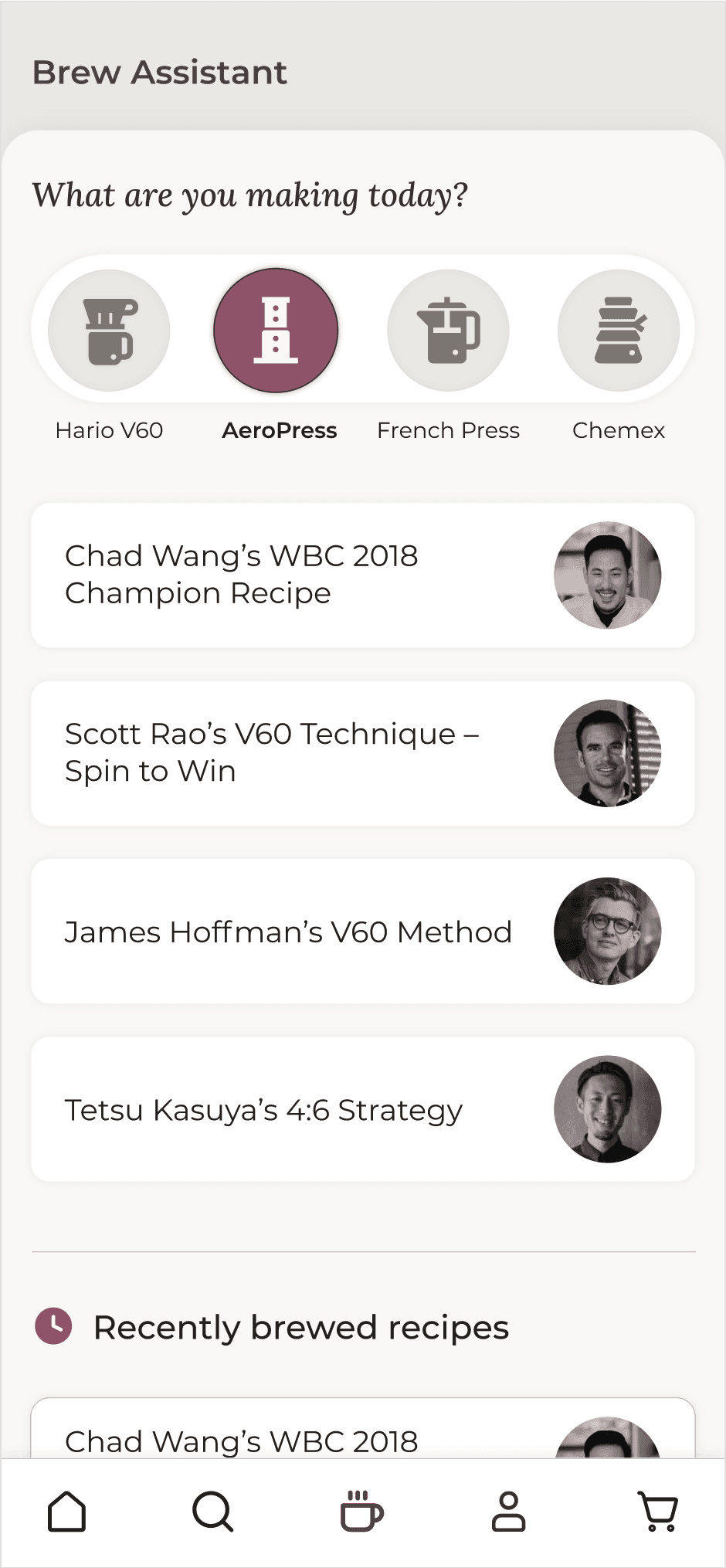
Brew assistant landing page showing different recipes available for each brew method
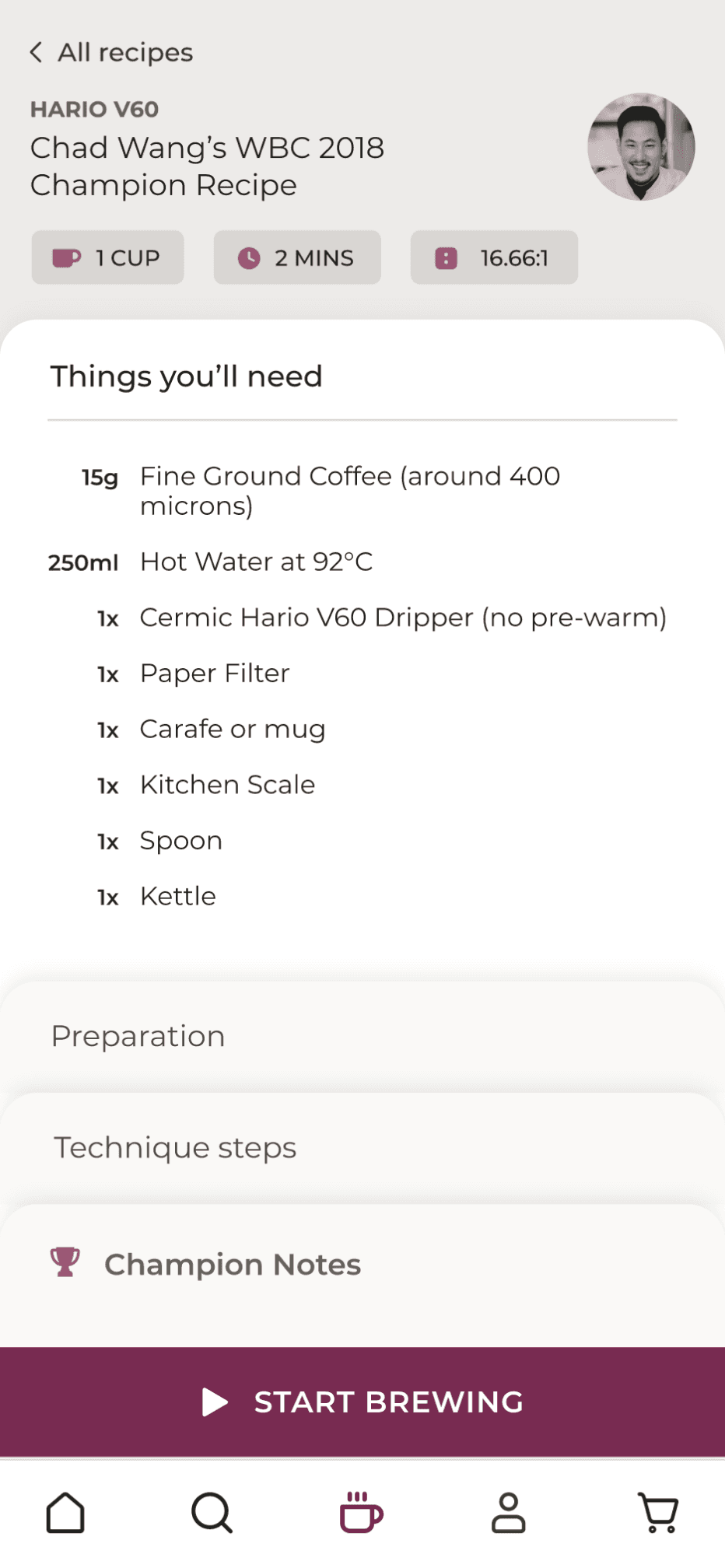
Recipe page showing needed equipment
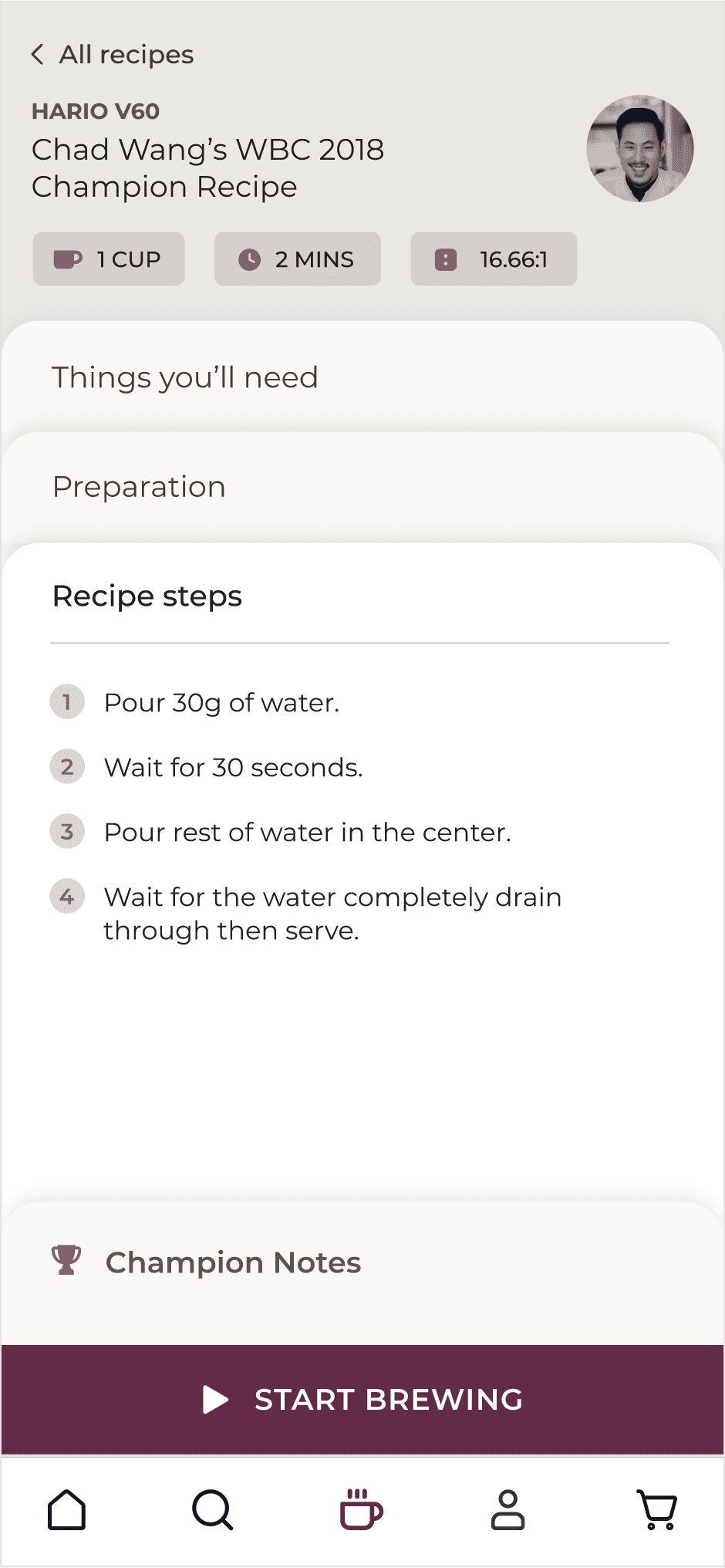
Recipe steps
Step-by-step timer
The key interaction was a dynamic, multi-step timer:
Each brew technique has its own timer
Users see a single instruction at a time
A progress indicator shows how far they are in the recipe, with subtle colors that reflect if it's pour or wait time
A rising water animation shows how much has been poured
Supporting actions: pause, skip, restart
Together, these elements turn a complex brewing process into a calm, guided experience.
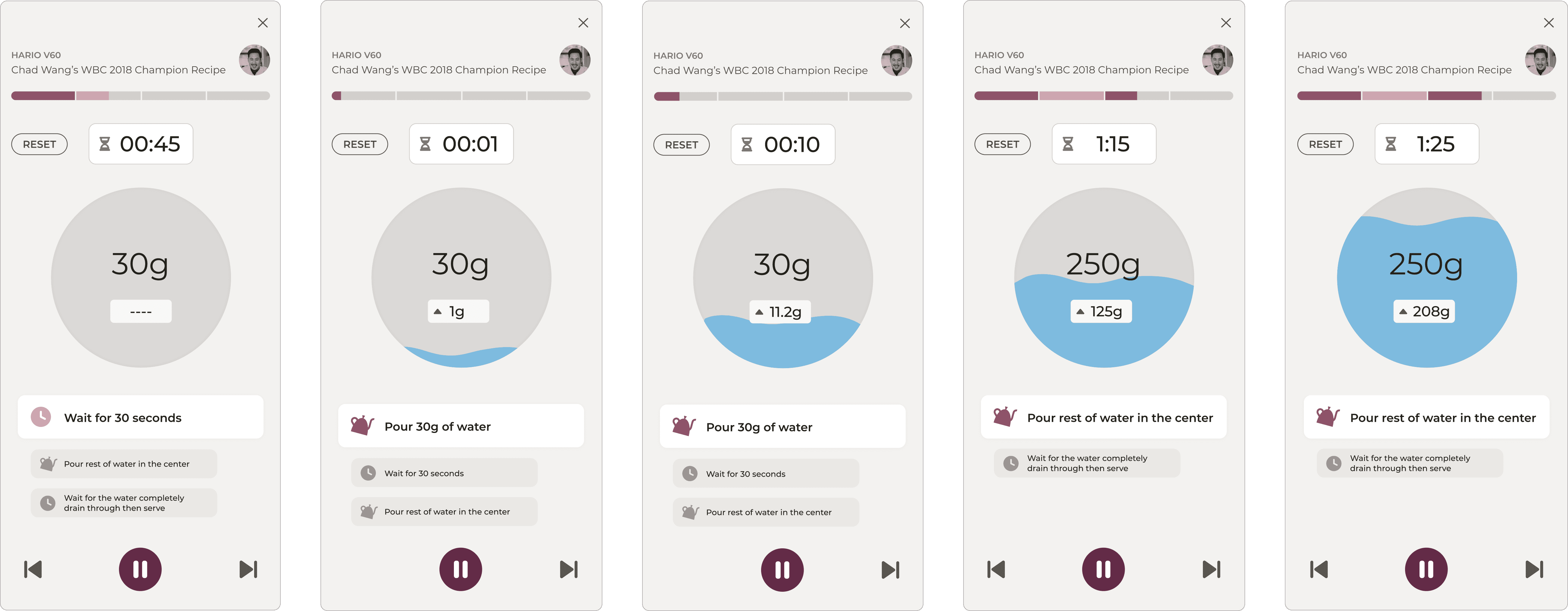
Recipe timer showing progressive steps and water pour indicator
Completion and feedback
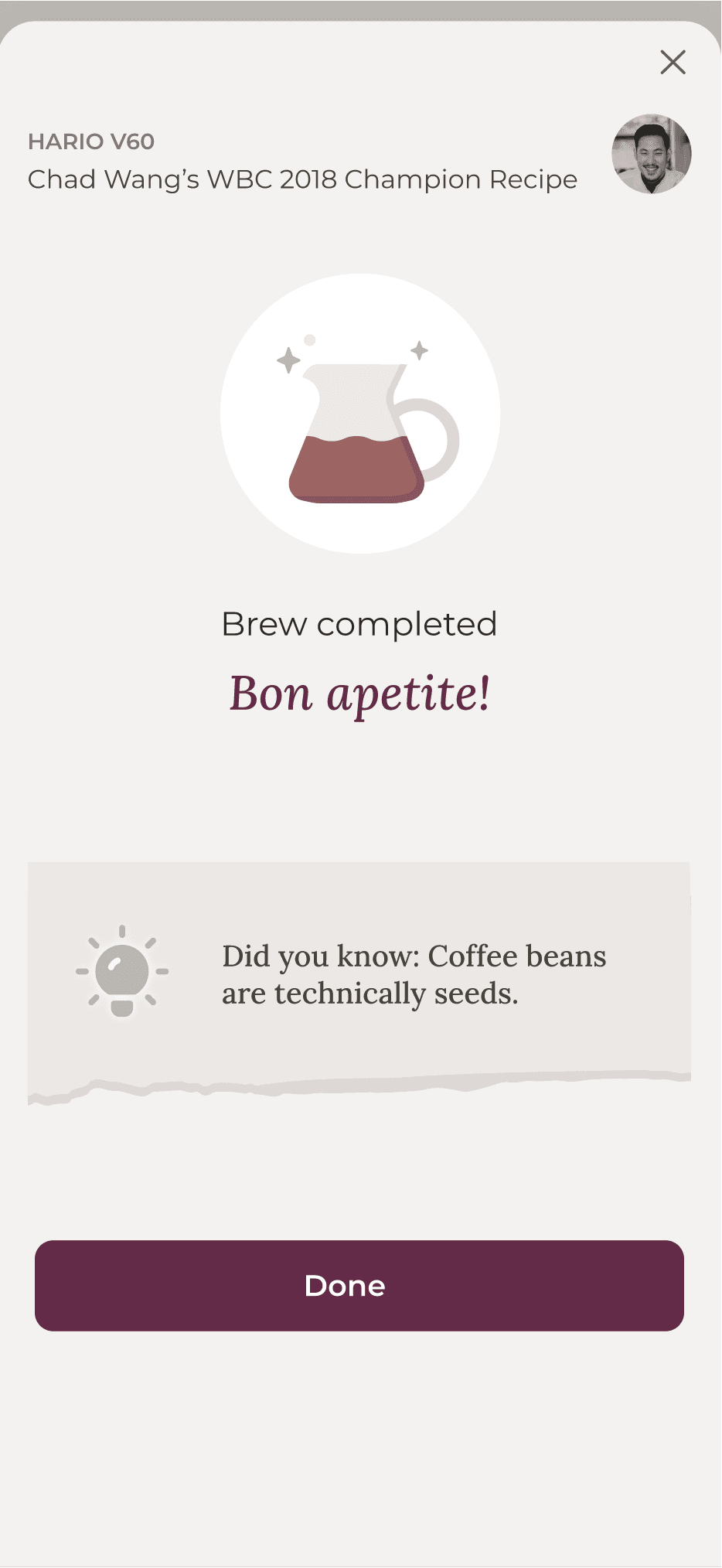
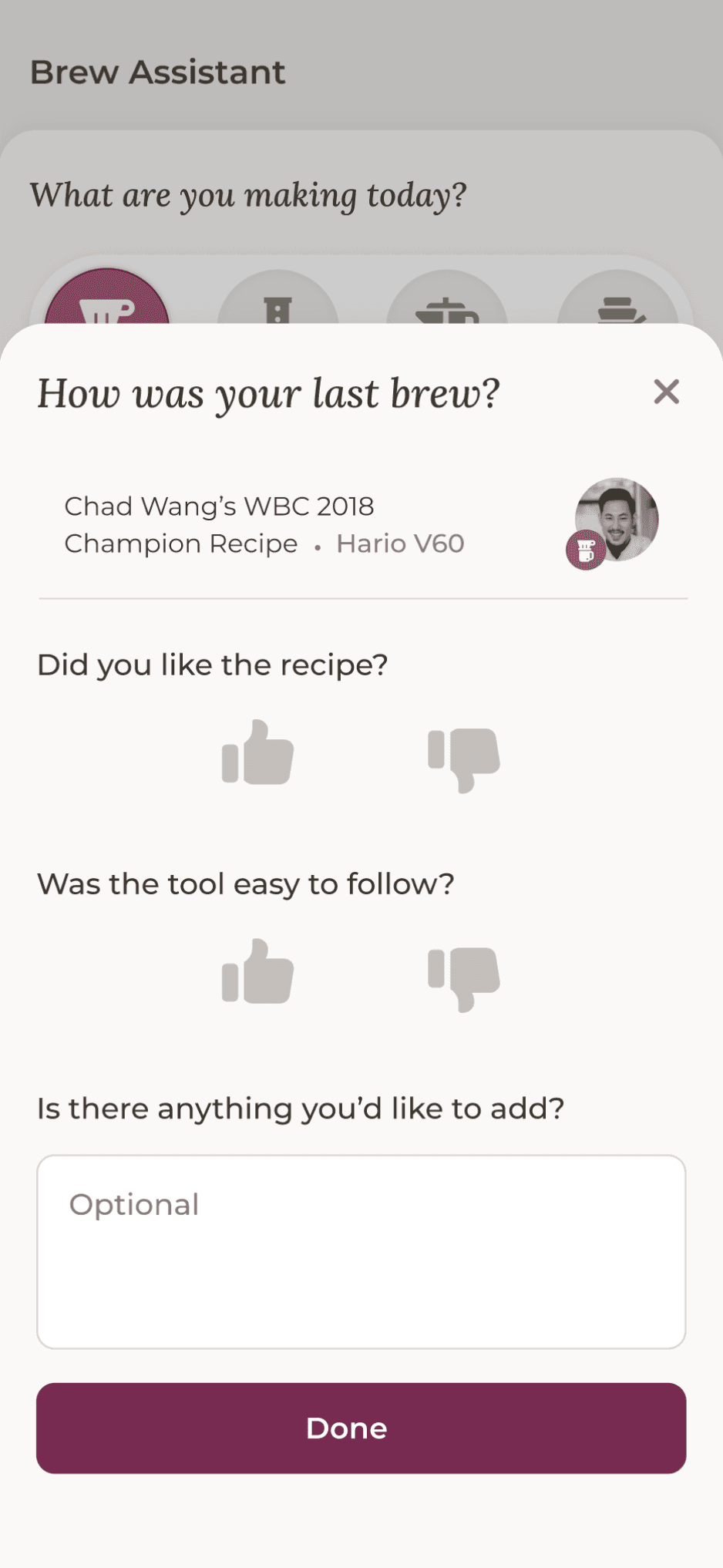
At the end, a cheerful success screen celebrates the completed brew and shares a fun tip of the day. Users can also leave a quick rating if they like, helping us continually improve both the recipes and the overall experience.
Brew assistant landing page showing different recipes available for each brew method
Recipe page showing needed equipment
Impact
Outcome
Reflection
This project blended practical coffee knowledge with simple, thoughtful interaction design.
Designing the brewing assistant allowed me to take a real-world, hands-on process and translate it into a digital experience that feels approachable, especially for beginners.